Turning My Laptop into a Cyber Range

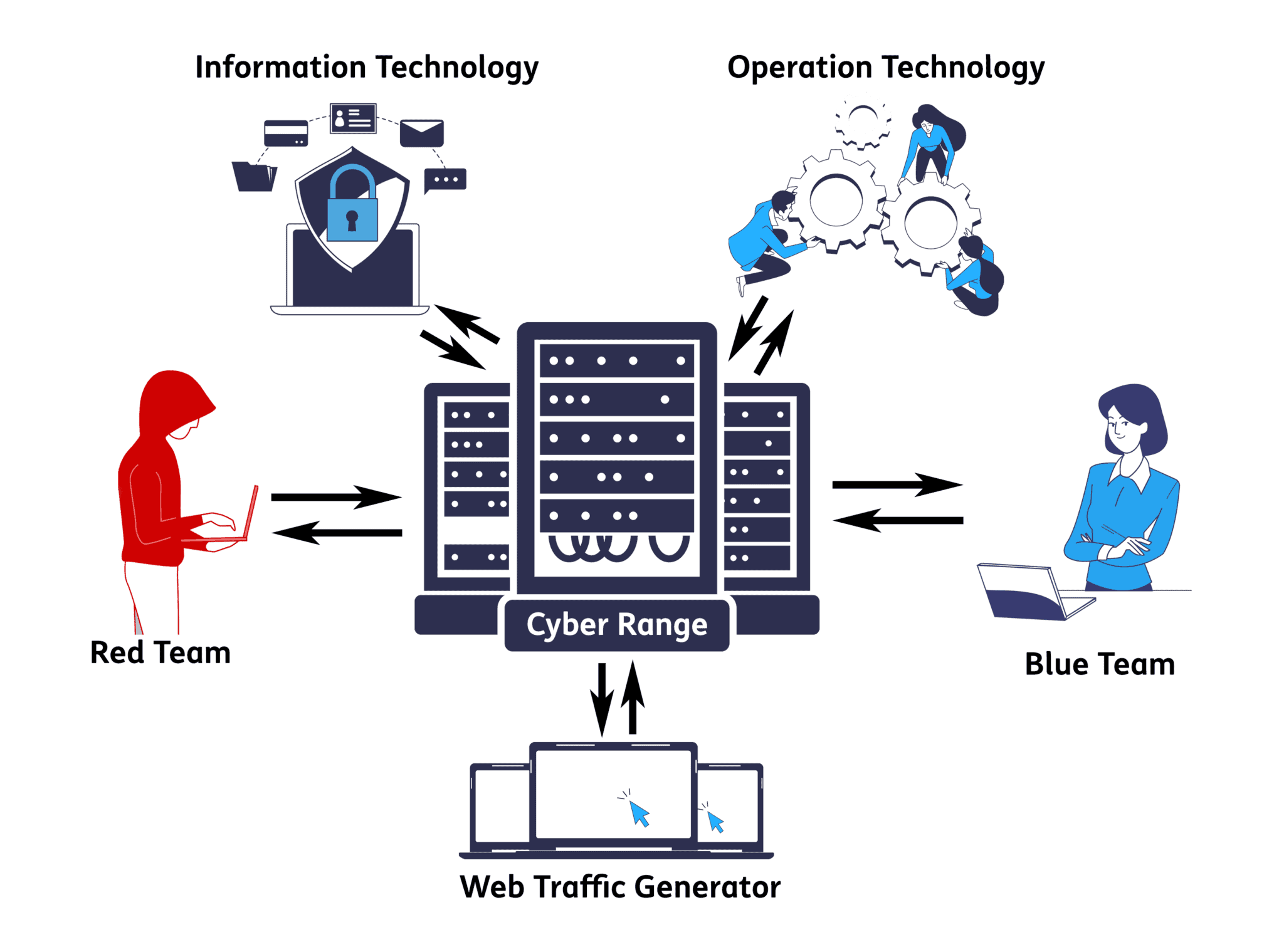
This project documents the process of transforming a laptop into a fully functional cyber range using Proxmox virtualization to host multiple security-focused virtual machines.
📝 Project Overview
A cyber range is an isolated environment designed for cybersecurity training, testing, and research. This project creates a portable, self-contained lab that includes:
- Attack platform (Kali Linux)
- Vulnerable targets (Metasploitable 2 and Windows Server 2019)
- Network security (OPNsense firewall)
- Security monitoring (Wazuh SIEM)
This setup provides a safe, legal environment to practice penetration testing, security monitoring, and incident response skills.
🛠️ Technologies Used
- Proxmox VE - Type 1 hypervisor for virtualization
- Kali Linux - Penetration testing distribution
- Metasploitable 2 - Intentionally vulnerable Linux VM
- Windows Server 2019 - Enterprise target environment
- OPNsense - Open-source firewall and routing platform
- Wazuh - Security Information and Event Management (SIEM) system
🚀 Setting Up Proxmox
Initial Installation
- Download Proxmox VE ISO from the official website
- Create bootable USB using tools like Rufus or Etcher
- Boot laptop from USB and follow the installation wizard
- Configure network settings to ensure connectivity
- Access Proxmox web interface at
https://[laptop-ip]:8006
Post-Installation Configuration
- Update Proxmox repositories
- Configure storage pools for VM images
- Set up network bridges for isolated lab networks
- Enable hardware virtualization (Intel VT-x/AMD-V) in BIOS
🖥️ Virtual Machine Setup
1. Kali Linux (Attack Platform)
Purpose: Primary penetration testing workstation
Setup Steps:
- Download Kali Linux ISO (latest version)
- Create new VM in Proxmox with 4GB RAM, 2 CPU cores
- Allocate 80GB virtual disk
- Attach Kali ISO to virtual CD-ROM
- Install Kali Linux with default tools
- Update system:
sudo apt update && sudo apt upgrade -y - Configure static IP for consistent access
2. Metasploitable 2 (Linux Target)
Purpose: Intentionally vulnerable Linux system for exploitation practice
Setup Steps:
- Download Metasploitable 2 VMDK from SourceForge
- Convert VMDK to Proxmox-compatible format (qcow2)
- Create VM with 1GB RAM, 1 CPU core
- Import converted disk to VM
- Configure network adapter on isolated network
- Default credentials:
msfadmin:msfadmin - Verify services running:
netstat -tulpn
3. Windows Server 2019 (Windows Target)
Purpose: Enterprise Windows environment for attack scenarios
Setup Steps:
- Download Windows Server 2019 evaluation ISO
- Create VM with 4GB RAM, 2 CPU cores
- Allocate 60GB virtual disk
- Install Windows Server with Desktop Experience
- Configure intentional vulnerabilities:
- Enable legacy protocols (SMBv1)
- Create weak user accounts
- Install outdated software
- Disable Windows Defender (for lab purposes)
- Join to isolated domain (optional)
4. OPNsense (Firewall)
Purpose: Network segmentation and traffic monitoring
Setup Steps:
- Download OPNsense ISO
- Create VM with 2GB RAM, 2 CPU cores, 20GB disk
- Configure two network interfaces:
- WAN: Connected to external network
- LAN: Connected to isolated lab network
- Install OPNsense and complete setup wizard
- Access web interface for configuration
- Create firewall rules to segment attack/target networks
- Enable logging for all traffic
5. Wazuh (SIEM)
Purpose: Centralized security monitoring and log analysis
Setup Steps:
- Download Wazuh OVA or use installation script
- Create VM with 4GB RAM, 2 CPU cores, 50GB disk
- Install Wazuh all-in-one deployment
- Access Wazuh dashboard at
https://[wazuh-ip] - Deploy Wazuh agents on:
- Windows Server 2019
- Kali Linux (optional)
- Metasploitable 2 (if supported)
- Configure alert rules for attack detection
- Set up dashboards for real-time monitoring
🌟 Key Features
- Isolated Network Environment: All VMs operate on isolated virtual networks, preventing accidental exposure to production systems
- Realistic Attack Scenarios: Multiple vulnerable targets allow for diverse penetration testing exercises
- Security Monitoring: Wazuh SIEM provides visibility into attack patterns and system events
- Portable and Snapshot-Ready: Proxmox snapshots enable quick resets to clean states after testing
🧩 Challenges & Solutions
Challenge 1: Resource Constraints
Problem: Running 5 VMs simultaneously on a laptop with limited RAM
Solution:
- Prioritized memory allocation based on active testing scenarios
- Used Proxmox’s snapshot feature to run VMs in stages
- Optimized each VM’s resource allocation to minimum viable specifications
Challenge 2: Network Segmentation
Problem: Ensuring proper isolation while maintaining connectivity for monitoring
Solution:
- Created multiple virtual network bridges in Proxmox
- Configured OPNsense with multiple interfaces to route between segments
- Implemented firewall rules to control inter-VM communication
Challenge 3: Wazuh Agent Deployment
Problem: Compatibility issues with Metasploitable 2’s outdated packages
Solution:
- Used Wazuh agentless monitoring via syslog forwarding
- Installed agents only on modern systems (Windows Server, Kali)
- Configured network-based monitoring for legacy systems
📊 Results & Impact
This cyber range provides:
- Hands-on experience with offensive and defensive security tools
- Safe testing environment for vulnerability research and exploit development
- Real-time monitoring capabilities to understand attacker techniques
- Reproducible scenarios through Proxmox snapshots
- Career development tool for cybersecurity certifications (OSCP, CEH, Security+)
Metrics:
- 5 virtual machines running simultaneously
- 3 network segments for realistic topology
- 50+ vulnerability scenarios across different targets
- Complete SIEM integration for attack visibility
🔗 Links
- Proxmox VE Documentation
- Kali Linux Tools
- Metasploitable 2 Download
- OPNsense Documentation
- Wazuh Documentation
🎯 Future Enhancements
- Add Active Directory lab environment
- Integrate Elasticsearch for advanced log analysis
- Deploy additional vulnerable machines (DVWA, HackTheBox VMs)
- Implement automated attack scenarios with scripting
- Add network packet capture analysis with Security Onion
This cyber range serves as both a learning platform and a testing ground for cybersecurity techniques. Always ensure you have proper authorization before conducting any security testing.